INARA RH vs Manual Recruitment Tracking Spreadsheets in Excel
Managing hiring pipelines in Excel spreadsheets is a common habit that consumes immense time and multiplies administrative errors. Discover how INARA RH elevates recruitment from manual logging to a rapid, fair, and documented executive decision-making workflow.
Executive Verdict: Inara RH vs Excel and Manual Spreadsheets
Excel is a versatile calculation tool but inadequate for recruitment management: it demands hours of tedious manual data entry, cannot parse actual resume text, encourages subjective impressions, and leaves candidate documents scattered across directories. INARA RH replaces manual re-typing with instant batch imports, 4-pillar objective candidate scoring, standardized job description frameworks, and printable Word interview booklets.
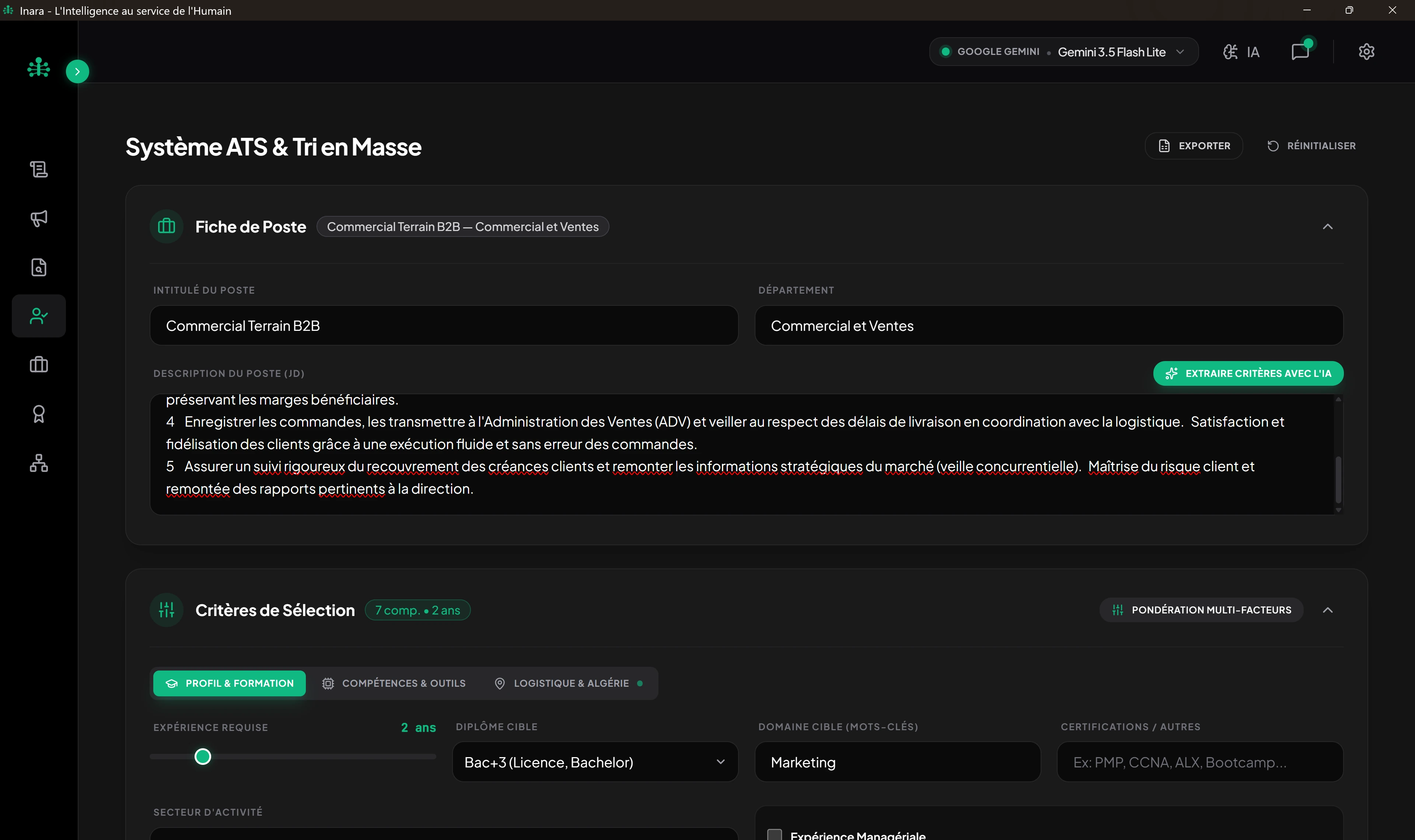
Detailed criterion-by-criterion comparison matrix
| Evaluation Criteria | INARA RH v2.1 | Excel and Manual Spreadsheets |
|---|---|---|
| Resume reading and skill extraction | Automated semantic parsing of PDF and Word files with skill matrix mapping | Manual line-by-line typing of applicant credentials into cells |
| Objective scoring and anomaly detection | Instant 4-pillar algorithmic score and automated date gap detection | Subjective gut-feel ratings typed into blank spreadsheet cells |
| Standardized job description frameworks (GPEC) | Structured generator with 6 industry tracks and clean Word .docx export | Dispersed Word documents with no connection to the tracking sheet |
| Org chart audit and management ratio checks | Dynamic hierarchical tree with workload bottleneck and vacancy detection | Static manual drawing shapes without managerial span-of-control checks |
| Practical candidate tests and case studies | Assessments based on ISO 10667 methodological guidelines with candidate sheets and answer keys | Non-existent in a spreadsheet |
| Blind Screening anti-bias candidate mode | Automated masking of contact info, photo, and identity during screening | Impossible: names and personal details remain visible constantly |
| Structured interview booklets for line managers | Complete Word interview dossiers with situational questions and observation rubrics | Scattered handwritten notes with no standardized methodology |
In-depth analysis of key differentiators
Eliminate Hours of Tedious Manual Data Entry
Manually entering names, degrees, years of experience, and phone numbers for 100 applicants consumes over 15 hours of repetitive work. INARA RH parses and scores these records in minutes with zero manual typing.
Batch import of entire candidate folders in seconds
Manual copy-paste for every single applicant dossier
Merit-Based Fair Scoring vs Subjective Impressions
In an Excel sheet, the "Comments" column fluctuates from morning to afternoon. INARA RH applies a deterministic calculation based on required skills and experience, guaranteeing equal consideration for every profile.
Transparent algorithmic calculation based on job requirements
Arbitrary notes typed based on reviewer mood of the day
Unified Operational Pipeline vs Scattered Files
With Excel, recruiters spend their day switching between spreadsheets, folder directories, and email inboxes. INARA RH links the vacant position directly to the job description, resume scoring, and interview booklet.
Single workflow connecting org chart to job spec and interview
Excel files, Word templates, and CVs scattered across folders