Technical & Security Guide for CIOs and CISOs.
How does INARA RH sovereign software architecture operate?
INARA RH is a native desktop client suite (Windows x64) engineered under a strict local confinement paradigm. Candidate files, scoring rubrics, and organizational charts are stored locally on the client workstation in encrypted formats. AI processing runs either via the zero-token internal deterministic algorithmic engine or through a fully disconnected local Ollama instance, eliminating cross-border data transfers and ensuring native compliance with Algerian Law 18-07.
4 Pillars of Secure Enterprise Architecture
1. Autonomous Desktop Client
Windows x64 software installed locally on the recruiter’s PC. Unlike public SaaS web apps exposed to the Internet, it has no shared multitenant backend and no exposed public APIs vulnerable to network injection vectors.
2. Offline Disconnected Ollama Inference
Native integration with the open-source Ollama engine running on http://localhost:11434. Open-weight models leverage local hardware compute (CPU/GPU) without transmitting a single data packet outside the machine.
3. PII Engine & Pre-Flight Guardrail
3-source triangulation detection engine identifying and masking personal identifiers (Latin/Arabic names, 18-digit NIN, social security NSS, banking coordinates) with visual inspection prior to deep inference.
4. Zero-Token Deterministic Engine
Massive batch screening module built on deterministic local algorithms (regular expressions, weighted score matrices). Rank 1,000 resumes locally without network latency or external API costs.
Hardware Specifications and Network Prerequisites
| Component | Minimum Requirement | Recommended (Ollama Local) | Network Impact |
|---|---|---|---|
| Operating System (OS) | Windows 10 (64-bit) build 1903+ or Windows 11 | Windows 10 or Windows 11 (64-bit) | Zero network impact (native client system) |
| Processor (CPU) | Intel Core i3 or AMD Ryzen 3 (64-bit) | Intel Core i5/i7 or AMD Ryzen 5/7 | Zero network impact (local CPU computation) |
| System Memory (RAM) | 4 GB RAM | 8 GB to 16 GB for running local LLM instances | Dedicated memory allocation to local process |
| Disk Storage | 250 MB free space for the desktop app | 4 GB SSD space for local models (Llama 3, Mistral) | Encrypted local SSD storage |
| Graphics Card (GPU) | Integrated standard GPU (CPU inference) | Optional dedicated GPU or standard acceleration | Purely on-device mathematical execution |
| Outbound Network Traffic | Zero outbound traffic in Exclusive Local Mode (Ollama) | Optional HTTPS 443 outbound if using remote API keys | Routable and filterable by corporate proxy/firewall |
| Inbound Open Ports | Zero open inbound ports required | Zero inbound ports required (internal loopback 11434) | Zero external network attack surface |
Security and Regulatory Compliance Matrix
| Security Requirement | INARA RH Technical Implementation | Legal / Regulatory Compliance |
|---|---|---|
| Candidate data protection (Law 18-07) | Encrypted confinement on client workstation. Zero transfer to unauthorized offshore servers. | Compliant with Law 18-07 Articles 32 and 36 (exempt from ANPDP transborder transfer permits). |
| Sensitive identifier masking (PII) | 3-source triangulation engine neutralizing names (Latin/Arabic), 18-digit NIN, NSS, ID cards, passport numbers, and bank details. | Full adherence to data minimization principles. |
| Preventive outbound control (Guardrail) | Pre-Flight Inspector enabling HR operators to audit and redact anonymized text before any deep inference step. | Absolute technical safeguard against inadvertent data exposure. |
| Internal auditability and logging | Local event log (LogViewer) tracing requests, timestamps, and execution statuses with full JSON export capability. | Straightforward verification for enterprise CISO and audit teams. |
| Licensing and software integrity | Cryptographic machine-bound locking (hardware UUID), without intrusive telemetry or candidate data telemetry. | Respect of enterprise digital sovereignty and corporate privacy. |
3-Step Rollout on Your Corporate Workstations
Install the Official Binary
Download and run Inara_2.1.0_x64-setup.exe on targeted HR workstations. Setup completes in under 2 minutes and does not interfere with existing corporate software.
Configure Inference (Local or Remote)
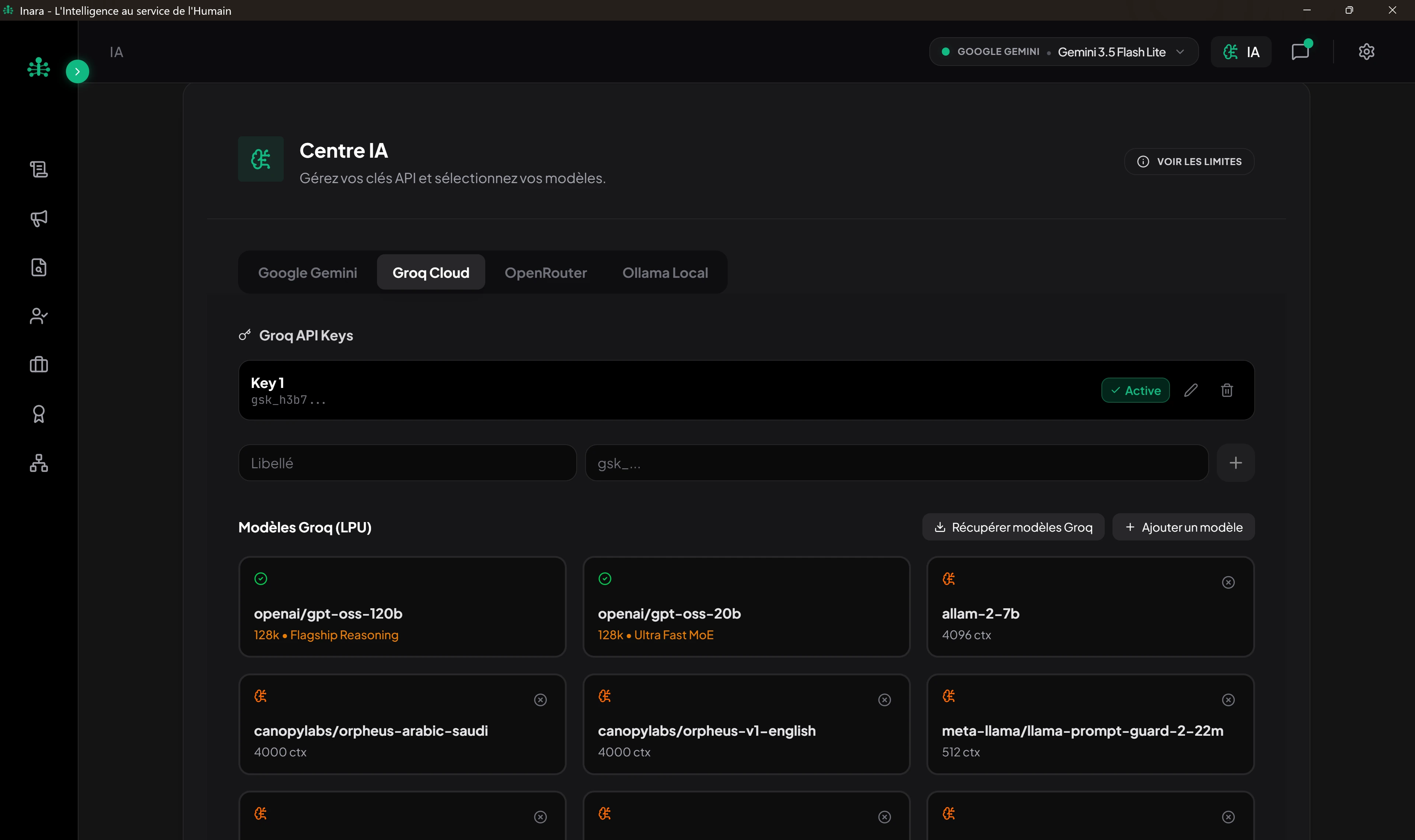
According to your internal security policy: connect the software to an Ollama instance (http://localhost:11434) for 100% disconnected work, or input your secured API keys in the AI Center.
Hardware-Bound License Activation
The software generates a unique hardware identifier (machine UUID). When upgrading from the 7-day trial to the perpetual license, enter your permanent key provided by LeapDz with no recurring internet check.