Download INARA RH
and begin your 7-day evaluation.
Install your sovereign HR desktop suite in minutes. Test all 9 modules without limits, pre-registration formalities, or credit card commitment.
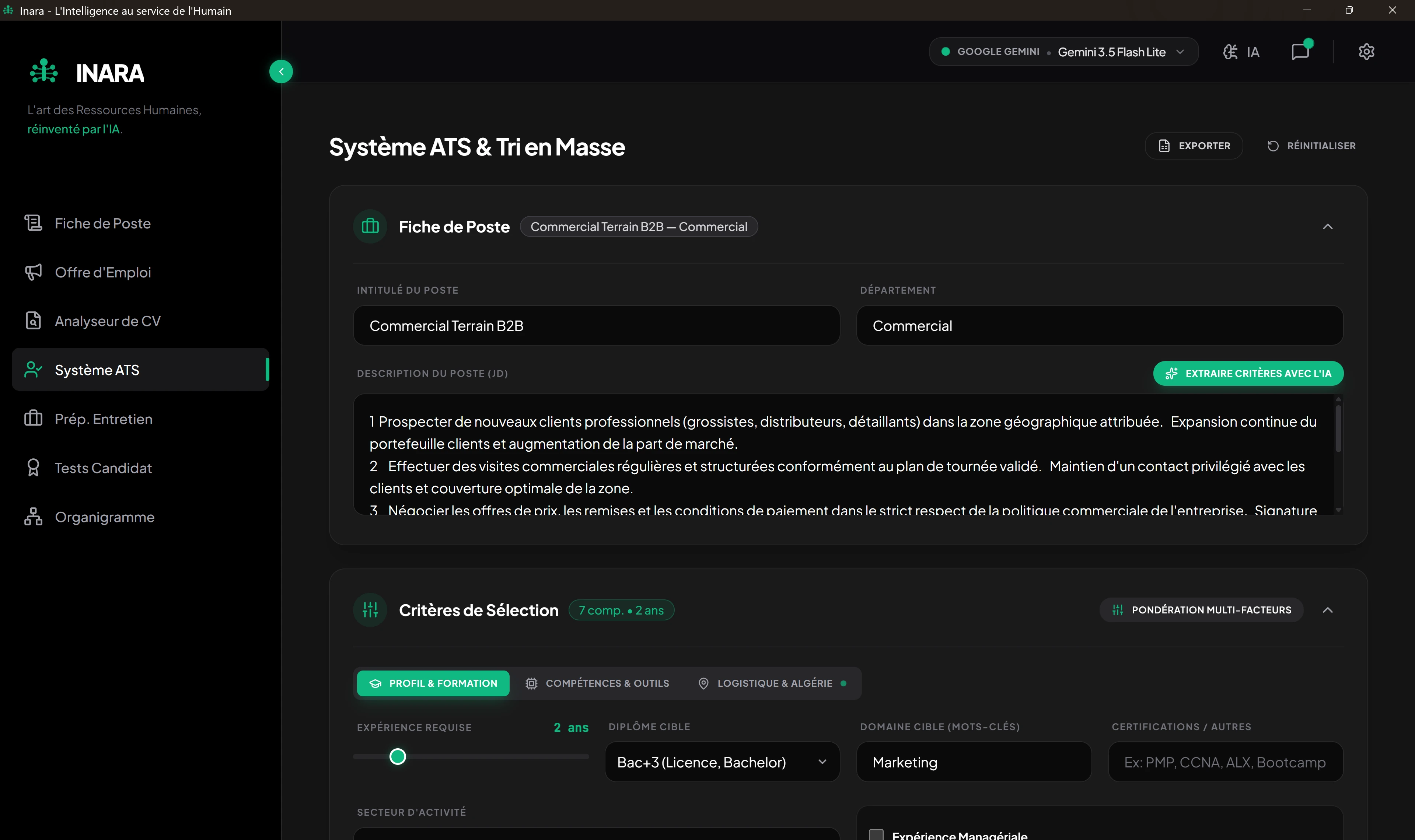
How does on-premise installation of INARA RH work?
INARA RH is a native enterprise human resources desktop suite engineered for 64-bit Windows 10 and 11 environments. The software runs entirely on your local workstation, leveraging an encrypted local SQLite database and Windows DPAPI key encryption. Zero candidate or employee records are transmitted to external cloud systems. The 7-day full evaluation unlocks on initial launch without mandatory accounts or commitments.
Simple 3-Step Local Setup
Download the Installer
Obtain the officially certified setup executable engineered by LeapDz.
Run the Setup Wizard
Launch the installer and follow straightforward prompts. Desktop setup completes in under two minutes.
Launch INARA RH
Upon opening, unrestricted access to all 9 modules is live for 7 days with zero signup barriers.
Technical Prerequisites
- Operating System: Windows 10 (64-bit) v1903 or higher, Windows 11
- Processor: Intel Core i3 or AMD Ryzen 3 (64-bit)
- System Memory (RAM): 4 GB minimum
- Disk Space: 250 MB free drive capacity for software binary
- Processor: Intel Core i5/i7 or AMD Ryzen 5/7
- System Memory (RAM): 8 GB to 16 GB for optimal local model execution
- Disk Space: 4 GB SSD capacity for local models like Llama 3
- Network: Entirely optional when running local offline models with Ollama
How to connect Ollama for 100% offline, air-gapped AI?
INARA RH is architected to interface seamlessly with the open-source Ollama engine. If your security policy mandates an air-gapped setup where no document touches the Internet:
Note: This step is entirely optional. You can also run INARA RH directly with a cloud API key such as Google Gemini or Groq with zero local AI downloads.
Need onboarding or IT assistance?
Our technical support engineers are available on WhatsApp for live setup guidance.